Dedicated
Server
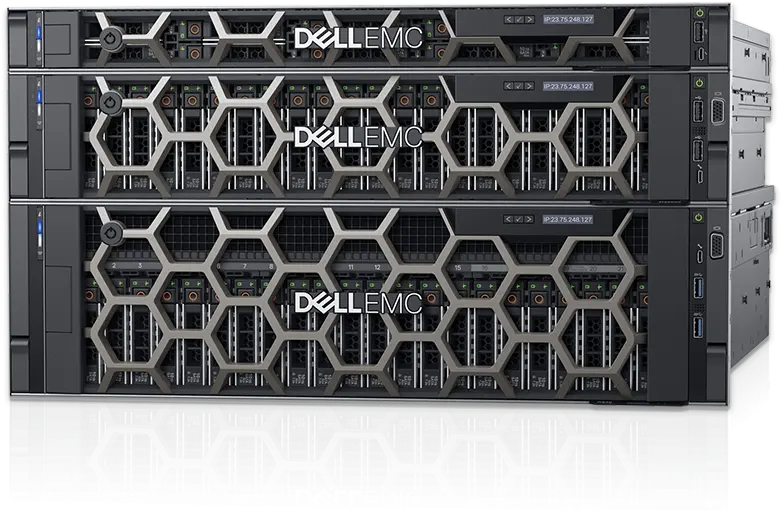
High-performance physical servers with full control. Intel or AMD processors, fast SSD/NVMe disks and 24/7 support with fully dedicated resources.
Performance
Fully Dedicated
Security
DDoS Protected
Dedicated Server Packages
Explore our dedicated server packages for your business needs. All packages include Intel Xeon and AMD EPYC processors, high-performance disks and 33TB bandwidth.
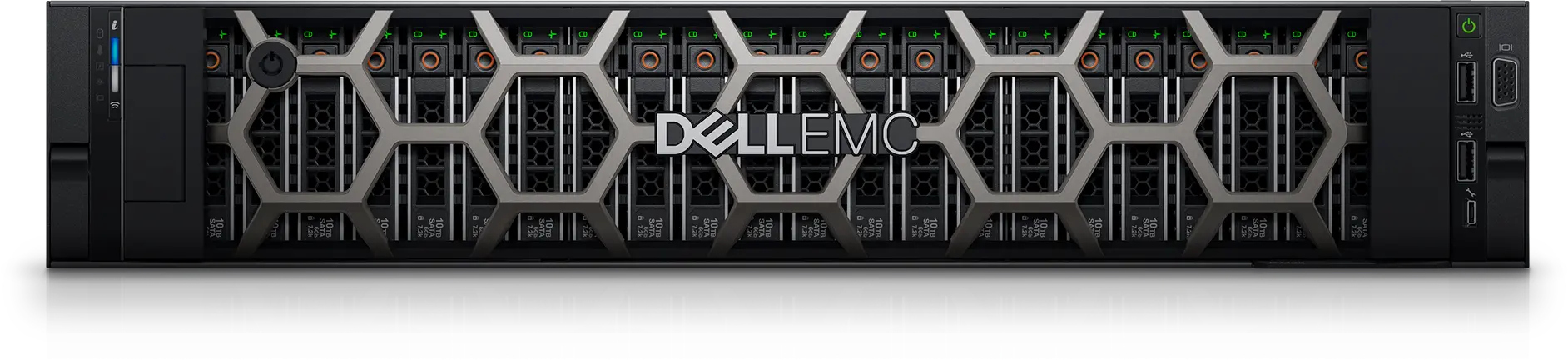
B-Rack P3
CPU
2x Intel Xeon E5-2697 v2
CPU
2x Intel Xeon E5-2697 v2
B-Rack P4
CPU
2x Intel Xeon E5-2697 v2
CPU
2x Intel Xeon E5-2697 v2
B-Rack P5
CPU
2x Intel Xeon E5-2697 v2
CPU
2x Intel Xeon E5-2697 v2
B-Rack P7
CPU
2x Intel Xeon E5-2699 v4
CPU
2x Intel Xeon E5-2699 v4
B-Rack P9
CPU
2x Intel Xeon Gold 6138
CPU
2x Intel Xeon Gold 6138
B-Rack P10
CPU
2x Intel Xeon Platinum 8168
CPU
2x Intel Xeon Platinum 8168
Common Features in All Packages
Our dedicated server services offer high performance, flexibility, easy management, data security, free setup, robust infrastructure, scalable resources, DDoS protection and RAID support.
High Quality
High-quality dedicated server hosting with premium hardware and infrastructure. 99.98% uptime guarantee and professional support.
RAID Support
Optimize your data security and performance with various RAID options. RAID 0, 1, 5, 10 available.
Free Setup
Dedicated server setup is completely free. Performed by our expert team and your server is ready to use quickly.
Virtualization Support
Support for virtualization technologies such as VMware, Hyper-V, KVM and Proxmox. Full virtualization support on our dedicated servers.
DDoS Protection
Stay protected against attacks with strong DDoS protection. Minimize service disruptions and security risks.
Scalable Resources
Increase your server resources (CPU, memory, storage) as needed for higher performance.
What is a Dedicated Server?
A dedicated server is a powerful solution allocated entirely to you and not shared with any other user. BalHost dedicated server packages are ideal for businesses requiring high performance, large websites, database applications and custom software solutions. For smaller projects, our virtual server rental option offers a more cost-effective starting point.
Advantages of Dedicated Servers
- Full Control: You have full access to all server resources (CPU, RAM, Disk). With root access you can configure your operating system and software as you wish.
- High Performance: Unlike shared hosting or a virtual server (VPS/VDS), you do not share server resources with any other user. This ensures consistent high performance.
- Security: Security risks are minimal as you run on isolated infrastructure. You can apply your own security policies and create custom firewall rules.
- Customization: You can customize hardware and software according to your needs. You can run custom software, databases and applications.
- Scalability: As your business grows you can increase server resources and upgrade to more powerful hardware.
Intel Xeon and AMD Processors
Our dedicated server packages offer Intel Xeon and AMD EPYC processor options. Intel Xeon stands out with proven reliability and broad software compatibility; AMD EPYC delivers high core count and superior multi-threaded performance for heavy workloads. Our packages include Intel Xeon E, Silver, Gold series and AMD EPYC 7002 and 7003 series processors.
For rendering, video processing and AI workloads that need graphics power, see our GPU dedicated server packages; to house your own hardware in our data center, see our colocation service.
SSD and NVMe Disk Options
Our dedicated server packages include both SSD and NVMe disk options. SSD (Solid State Drive) disks offer much faster read/write speeds than traditional HDDs. NVMe (Non-Volatile Memory Express) disks are even faster than SSDs and are ideal for critical applications with ultra-low latency.
Dedicated Server or Virtual Server?
Both give you root access; the difference lies in how resources are allocated and how you grow.
| Criterion | Virtual Server (VDS) | Dedicated Server This page |
|---|---|---|
| Hardware | Dedicated resources on a shared machine | The entire server is yours alone |
| Performance ceiling | Defined by package limits | The physical limit of the hardware |
| Scaling | Instant from the panel, within minutes | Hardware is added; requires planning |
| Setup time | ~5 minutes | 24-48 hours |
| Virtualisation | At the provider layer | Install VMware, Hyper-V, KVM or Proxmox yourself |
| RAID / disk layout | Managed by the provider | RAID 0, 1, 5, 10 is your choice |
| Cost | Low monthly entry point | Higher entry, more efficient at scale |
| Best suited for | Projects still growing | Consistently high, predictable load |
If your load is not yet predictable, starting with a virtual server and moving to dedicated as you grow lowers both cost and risk.
Dedicated Server Setup and Management Process
From order to handover the process runs in four steps, and you are kept informed by email and ticket at every stage.
- 1
Order and hardware selection
You pick a package and specify the RAID configuration and operating system. For custom hardware you can talk to our technical team beforehand.
- 2
Hardware preparation and installation
The server is racked in the data center, disks are configured at your chosen RAID level and the operating system is installed. Setup is free of charge.
- 3
Network and access handover
Your IP addresses, rDNS records and access credentials are configured. You can then connect via SSH or remote desktop.
- 4
Monitoring and support
The server is monitored 24/7 and our on-site team steps in on hardware failure. With managed hosting you can also leave updates and security to us.
For management you have a web-based control panel, hardware-level access over iLO/IPMI and a KVM console — so you can manage the server even when the operating system will not boot.
Understanding Dedicated Server Hardware
Specification lists get complicated quickly. The four components below drive real-world performance; which one matters most depends on the application you plan to run.
Processor: core count or clock speed?
Many-core processors handle large numbers of concurrent requests in parallel, which suits virtualisation, container clusters and high-traffic web servers. High clock speed matters more for single-threaded applications. Dual-socket configurations double the total core count, but without accounting for memory access between sockets (NUMA) you will not see the expected gain.
Why ECC memory matters
ECC (Error-Correcting Code) memory detects and corrects single-bit errors at runtime. On desktop memory these errors pass unnoticed; on database servers they can cause silent data corruption, and in virtualisation environments unexpected crashes. All of our server-class configurations use ECC memory.
Disk type and RAID combination
SATA SSDs offer the best cost per gigabyte; NVMe runs over the PCIe bus and delivers far higher IOPS with lower latency. RAID choice matters as much as disk type: RAID 1 prioritises safety, RAID 10 both safety and write performance, RAID 5 capacity efficiency. For write-heavy databases prefer RAID 10 over RAID 5.
Network and bandwidth
Port speed sets the instantaneous transfer ceiling; monthly bandwidth sets total data volume. On systems serving high-resolution media or carrying backup traffic, the monthly volume usually hits its limit before port speed does. The number of allocated IP addresses also affects your SSL certificate and multi-service plans.
Migrating From Your Current Server
If you are moving from another provider, downtime can be reduced to a few minutes. Our approach follows this order:
- 1
Inventory and planning
We list the domains, databases, email accounts, scheduled jobs and SSL certificates on the current server. Overlooked scheduled jobs are the single most common source of post-migration issues.
- 2
Parallel build
The new server is prepared while the old system keeps running. Applications and data are copied and the configuration replicated, so downtime is limited to the final cutover.
- 3
Testing and verification
Before the domain is pointed over, the new server is tested via a hosts file entry or temporary domain. DNS is not changed until the site, mail flow and payment integrations are verified.
- 4
DNS cutover and monitoring
The DNS TTL is lowered beforehand so the change propagates within minutes. After a final data sync the records are updated and the server is watched closely for the first 48 hours. The old server is kept running for a while as a fallback.
Our technical team accompanies you from planning through DNS cutover; contact us before ordering so we can map your current infrastructure together.
Why BalHost Dedicated Server?
Dedicated server hosting for full control, high performance and security
High Performance
Maximum performance and consistent speed with dedicated resources
Full Control
Manage freely with root access and full hardware control
24/7 Support
Our expert team is always with you, instant solutions
Security
Maximum security and data protection with isolated infrastructure
Frequently Asked Questions
What is a dedicated server and when should it be used?
A dedicated server is a solution allocated entirely to you. It is ideal for high-traffic websites, large database applications, custom software, game servers and critical business applications. Dedicated servers should be chosen when shared hosting or a virtual server is not sufficient.
What is the difference between SSD and NVMe disks?
SSD (Solid State Drive) disks are much faster than traditional HDDs and offer around 500-550 MB/s read/write speeds. NVMe (Non-Volatile Memory Express) disks are even faster than SSDs and can reach 3000+ MB/s. NVMe disks are ideal for critical applications, large databases and high IOPS workloads with ultra-low latency.
How long does server setup take?
Dedicated server setup is usually completed within 24-48 hours. Standard OS installations are done quickly while custom configurations and hardware customizations may take longer. You are kept informed throughout the process.
How is server management done?
You can manage your dedicated server via the web-based control panel or SSH/Remote Desktop. With root access you have full control over the OS, software and services. You can also opt for managed server services.
How are backup and security provided?
BalHost offers automatic backup solutions for all dedicated servers. Daily, weekly and monthly backup options are available. DDoS protection, firewall configuration and security monitoring are provided.
Is it better to rent or buy a dedicated server?
Buying means a large upfront investment plus warranty tracking, data center costs and hardware refresh responsibility. With renting, all of that is ours: part replacement on hardware failure, power and cooling, network infrastructure and physical security are included. Rental is also booked directly as an operating expense. Buying can make sense if you will run the hardware at steady load for four to five years and have your own technical team; for most businesses renting offers a more flexible and predictable cost structure.
Which RAID level should I choose?
RAID 1 mirrors two disks, so a single disk failure causes no data loss — the safest starting point for most business workloads. RAID 10 combines mirroring with striping and is preferred for write-heavy databases. RAID 5 uses capacity more efficiently but rebuild times are long. RAID 0 delivers performance with no redundancy at all and is not recommended for critical data on its own. If you are unsure, describe your workload to our technical team before ordering.
What happens if I exceed my bandwidth?
Our packages include 30TB of monthly bandwidth, well above typical business usage. If you exceed it your service is not cut off; we contact you about the additional traffic and arrange either a package upgrade or extra bandwidth. If you expect consistently high traffic, tell us before ordering and we will prepare a tailored quote.
How quickly do you respond to hardware failures?
Servers are monitored 24/7, and when a hardware-level fault is detected our data center team intervenes directly. Spare parts such as disks, memory and power supplies are kept in stock on site, so replacements happen without waiting on delivery. On servers using RAID, disk replacement is carried out without service interruption.